> For the complete documentation index, see [llms.txt](https://docs.msquared.io/llms.txt). Markdown versions of documentation pages are available by appending `.md` to page URLs; this page is available as [Markdown](https://docs.msquared.io/admins/settings/projects.md).
# Projects
Projects are isolated sections of a metaverse which let you separate groups of content, worlds, and people developing within your metaverse.
For example, within the scope of our `Construct` metaverse, we run the persistent Construct world which is always live and which we manage internally. Separately, but still within the `Construct` metaverse, we have external contributors who can upload their own content and launch their own worlds. Having separate projects means contributors are kept isolated from each other as well as from our internally managed worlds.
You can manage projects via the configuration page by clicking the :gear: icon at the top of the dashboard.
## Create a new project
Click the `Add` button to create a new project.
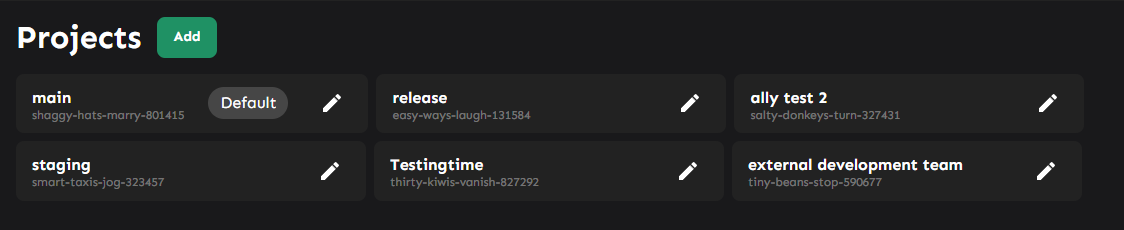
After clicking `Create` you should see the project listed:
To grant users access to this project, see [Access Control](/admins/access-control.md).
## Deleting a project
Currently, the dashboard does not allow you delete a project. This is because the impact of mistakes can be very significant - please contact us directly if you require a project to be deleted.