> For the complete documentation index, see [llms.txt](https://docs.msquared.io/llms.txt). Markdown versions of documentation pages are available by appending `.md` to page URLs; this page is available as [Markdown](https://docs.msquared.io/creation/unreal-development/tutorials/reference/validating-game-assets.md).
# Validating Game Assets
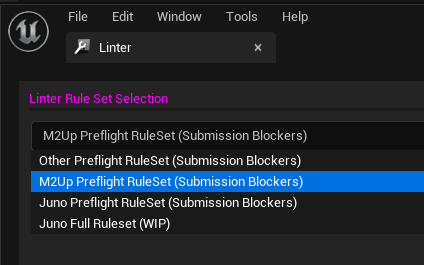
## Linting
1. Right-click your plugin folder and select “Scan with Linter”
2. Select your desired ruleset and click “Next” bottom-right to run the validation.