> For the complete documentation index, see [llms.txt](https://docs.msquared.io/llms.txt). Markdown versions of documentation pages are available by appending `.md` to page URLs; this page is available as [Markdown](https://docs.msquared.io/dash/mml-objects/mml-object-instances/delete-an-mml-object-instance.md).
# Delete an MML Object instance
You can delete your MML Object Instance in two ways.
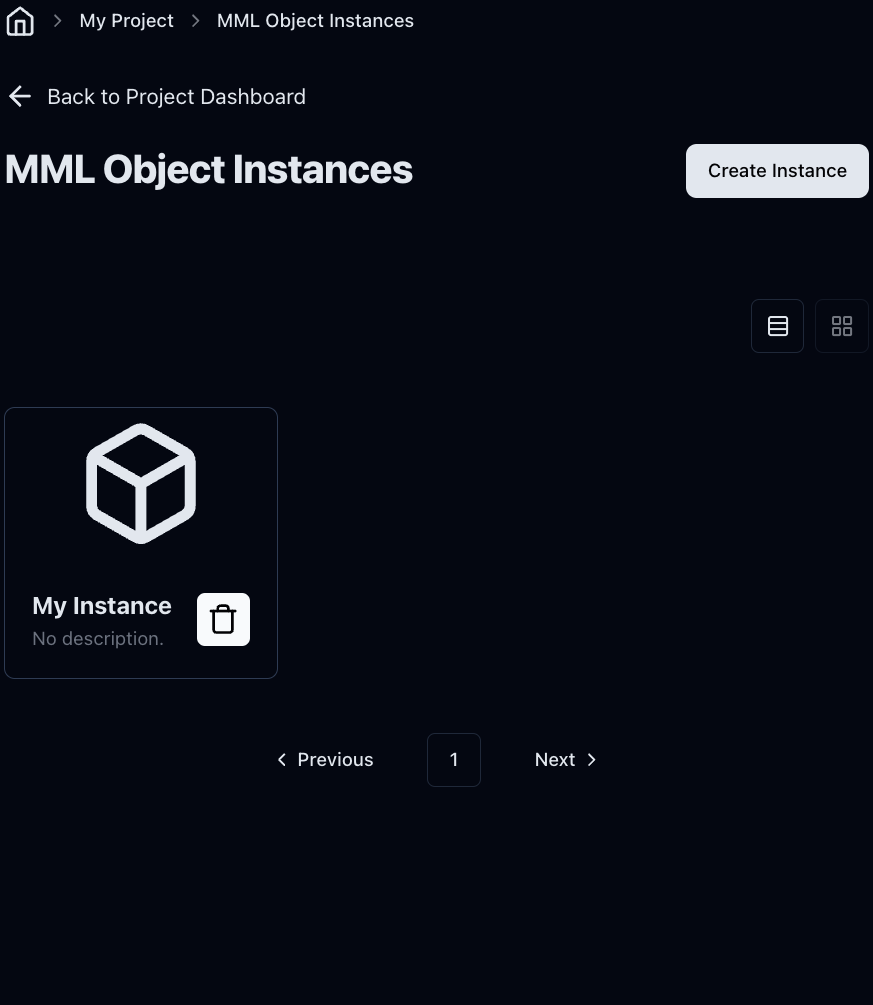
You can click the bin icon on the MML Instance Dashboard.
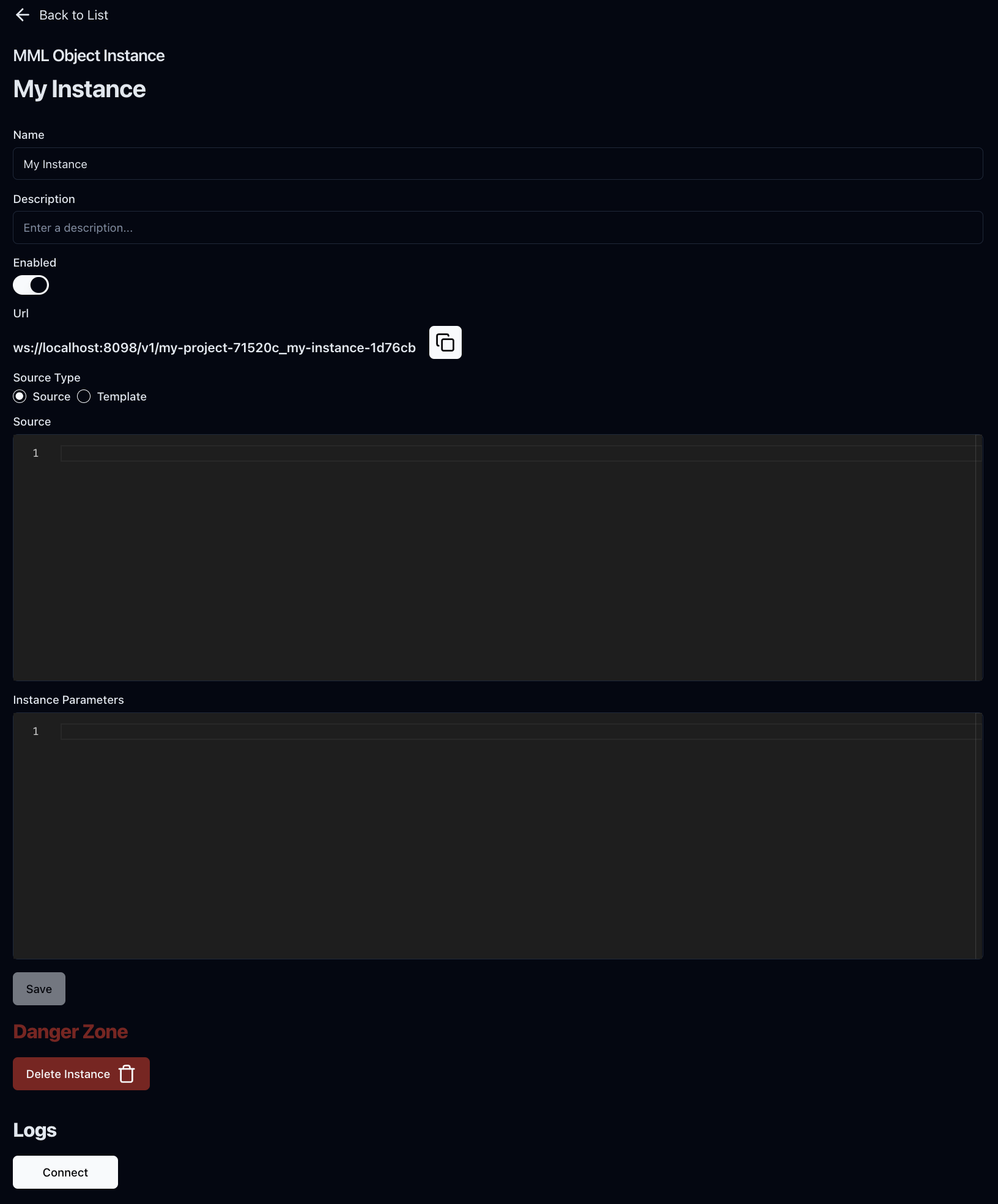
You can also do it by clicking the Delete Instance button on the MML Object Instance Edit page.
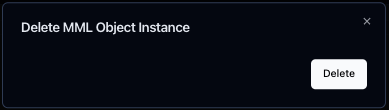
In either case, a confirmation modal will pop up. Click **Delete** to confirm.