> For the complete documentation index, see [llms.txt](https://docs.msquared.io/llms.txt). Markdown versions of documentation pages are available by appending `.md` to page URLs; this page is available as [Markdown](https://docs.msquared.io/dash/organizations/api-keys/api-key-permissions.md).
# API Key Permissions
### Create API Key Permission
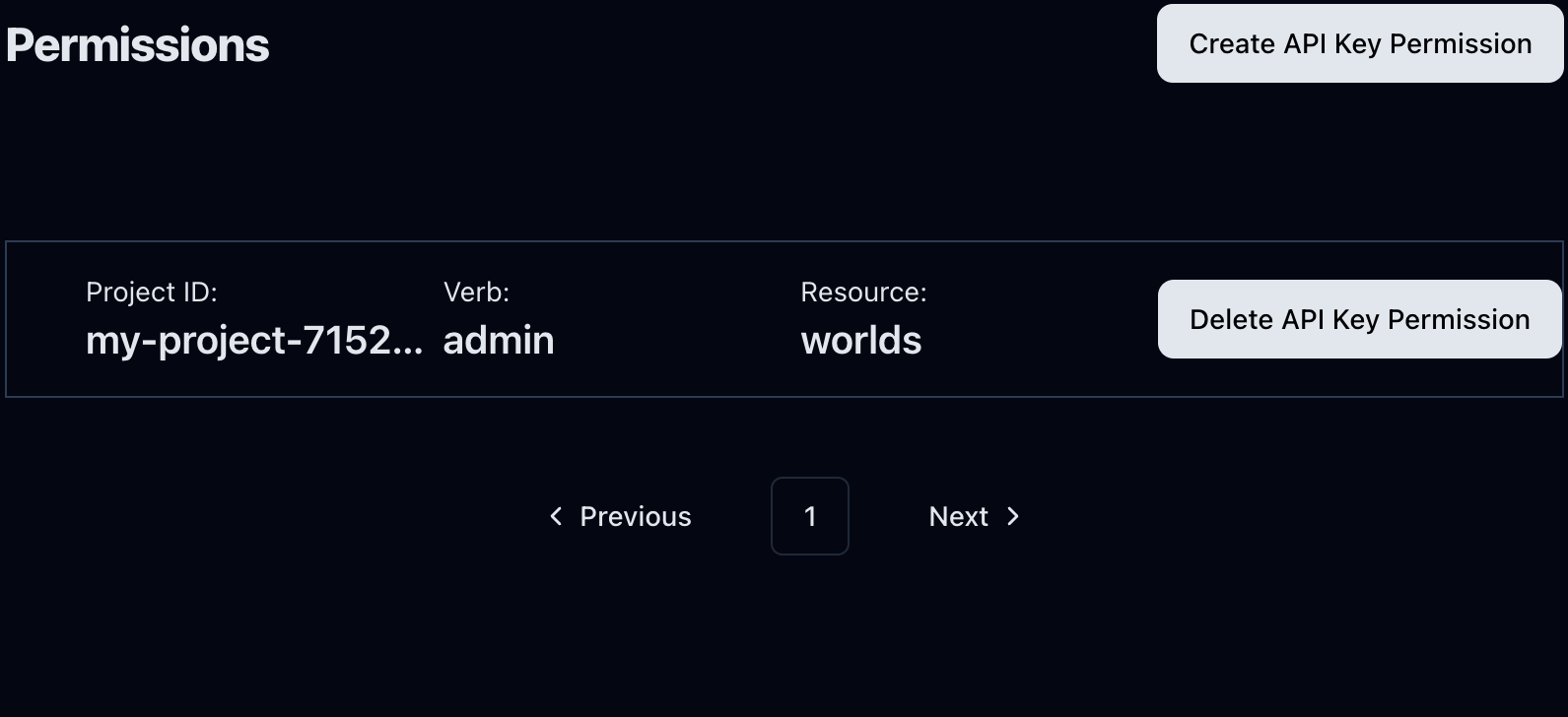
You can set permissions after creating an [API Key](/dash/organizations/api-keys.md). To do so, click the API Key item to which you intend to assign permissions in the API key list.
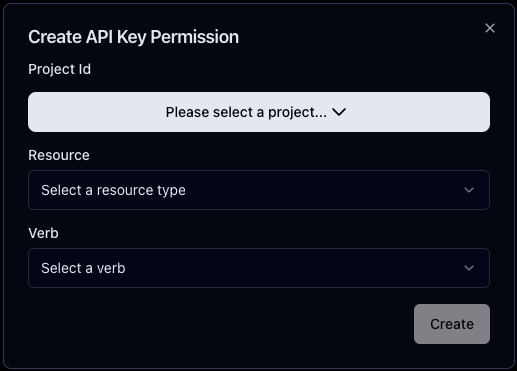
You will be in the API Key dashboard. Click Create API Key Permission, and a modal will appear. Here, you can choose Project ID, Resource, and Verb. You won't be able to modify the permission after creating it.
Click on **Create** to confirm.
### Delete API Key Permission
To delete an API Key Permission, click the **Delete API Key Permission** button.
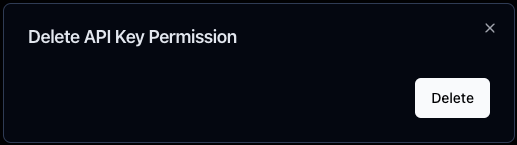
A confirmation modal will pop up. Click **Delete** to confirm.
### Resources
* **Worlds**: The permission applies to the project's worlds.
* **Objects**: The permission applies to the project's objects.
### Verbs
* **Read**: The API Key can use the resources.
* **Write**: The API Key can edit the resources.
* **Admin**: The API Key can view and edit the resources, and also grant permissions for the resources to others.