> For the complete documentation index, see [llms.txt](https://docs.msquared.io/llms.txt). Markdown versions of documentation pages are available by appending `.md` to page URLs; this page is available as [Markdown](https://docs.msquared.io/dash/organizations/members/member-permissions.md).
# Member Permissions
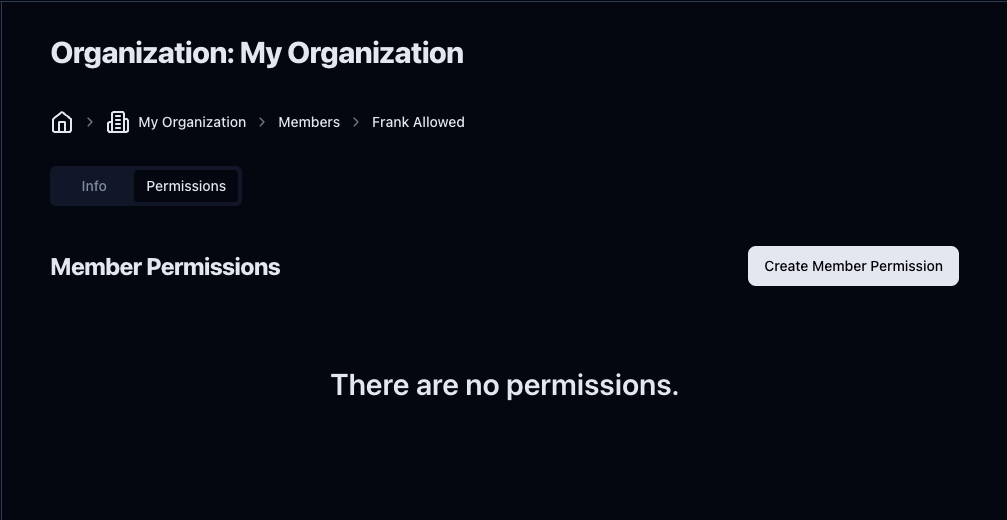
You can give permissions to members by clicking on a member on the members list and clicking the **Permissions** tab**.**
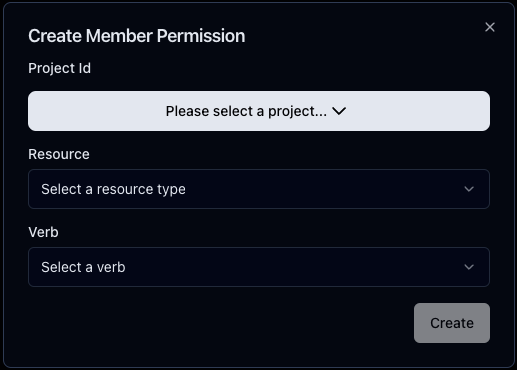
Click **Create Member Permission,** and a modal will pop up. Here, you can select the [project](/dash/organizations/projects.md), [resource](#resources), and [verb](#verbs).
### Resources
* **Worlds**: The permission applies to the project's worlds.
* **Objects**: The permission applies to the project's objects.
### Verbs
* **Read**: The member can view the resources.
* **Write**: The member can view and edit the resources.
* **Admin**: The member can view and edit the resources, and also grant permissions for the resources to others.