# Create Organization
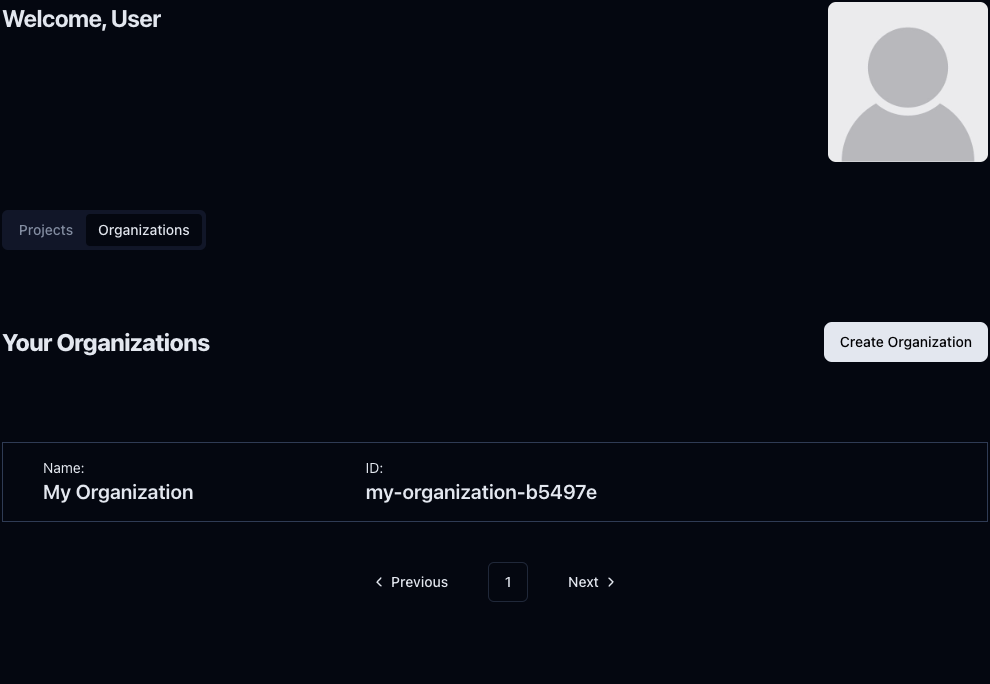
You can create an organization in two different places. First, you can do it on the home page (You can click on MSquared on the top left of the page) by selecting the **Organizations** tab and clicking on **Create Organization.**
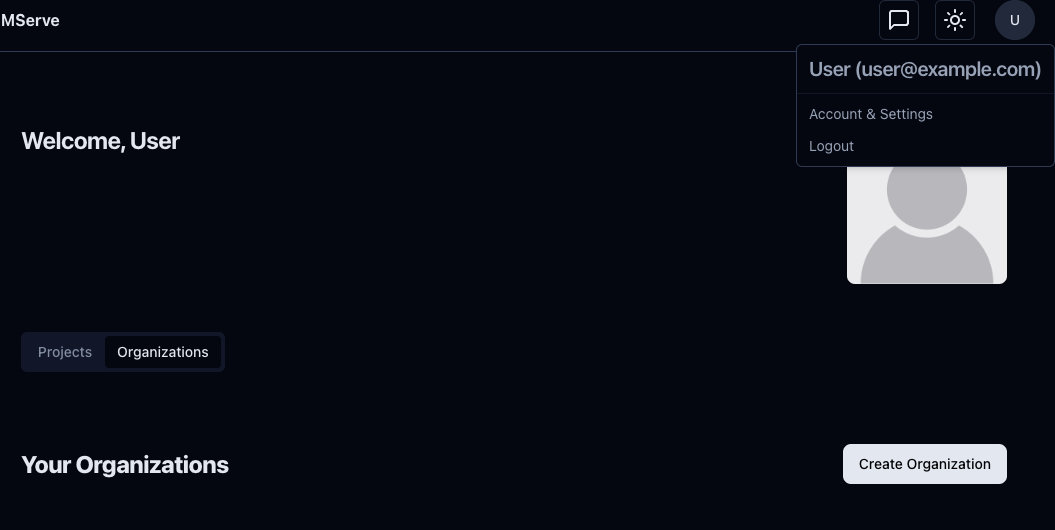
The other place is in your profile, reachable by clicking the avatar on the top right and **Account & Settings.**
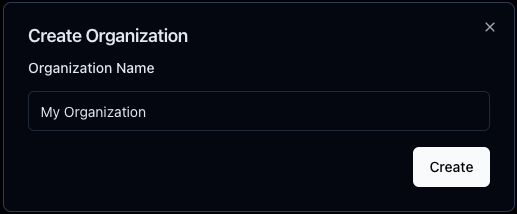
Once you click the button, a modal with an input box will show up, and you will be able to enter your organization name. Click on Create to finally create your organization
You will be then redirected to your new organization. In the free plan, only one organization is allowed per user.