> For the complete documentation index, see [llms.txt](https://docs.msquared.io/llms.txt). Markdown versions of documentation pages are available by appending `.md` to page URLs; this page is available as [Markdown](https://docs.msquared.io/dash/organizations/team/team-permissions.md).
# Team Permissions
### Create Team Permission
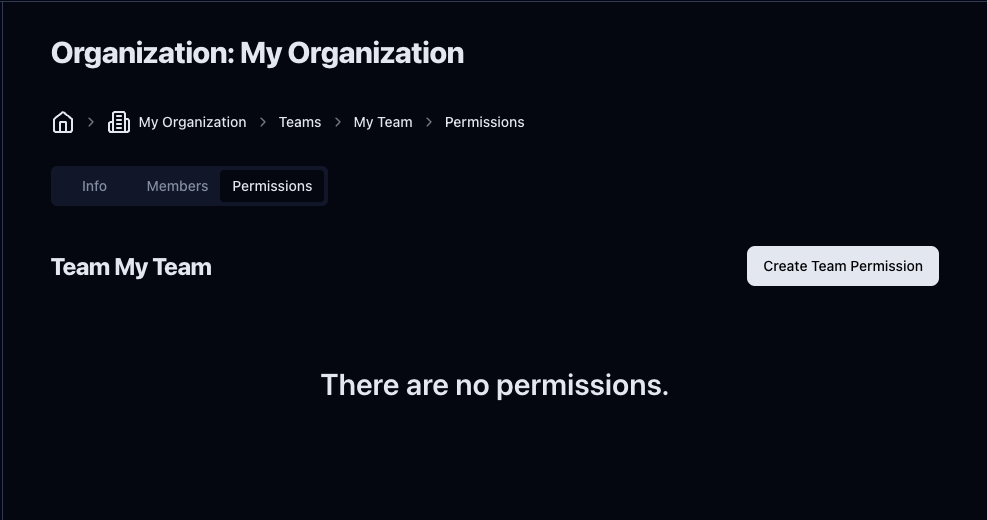
To create team permissions, click on the team you would like to add permissions to from the list of teams and click **Permissions** from the tabs below the Organization name and breadcrumbs.
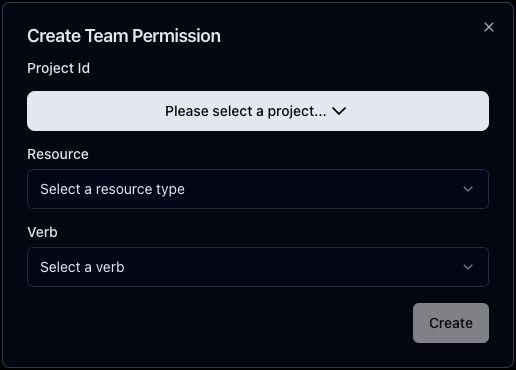
Click **Create Team Permissions,** and a modal will pop up. Here, you can select the [project](/dash/organizations/projects.md), [resource](#resources), and [verb](#verbs).
### Delete Team Permissions
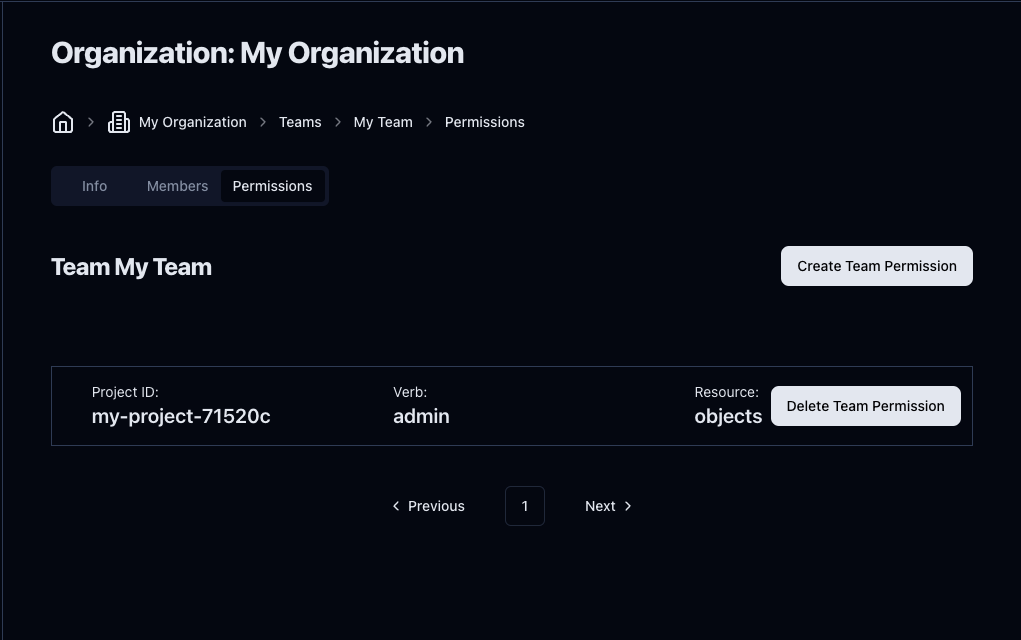
After [creating a permission](#create-team-permission), you will see it listed in the team permissions dashboard
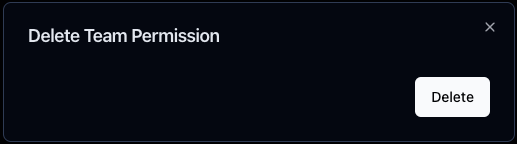
Clicking **Delete Team Permission** will open a confirmation modal. Click on **Delete** to delete the permission.
### Resources
* **Worlds**: The permission applies to the project's worlds.
* **Objects**: The permission applies to the project's objects.
### Verbs
* **Read**: The team can use the resources.
* **Write**: The team can edit the resources.
* **Admin**: The team can do all of the above.