> For the complete documentation index, see [llms.txt](https://docs.msquared.io/llms.txt). Markdown versions of documentation pages are available by appending `.md` to page URLs; this page is available as [Markdown](https://docs.msquared.io/creation/unreal-development/tutorials/reference/adding-gameplay-tags.md).
# Adding Gameplay Tags
{% hint style="success" %}
verified: 2025-11-20 version: v39
{% endhint %}
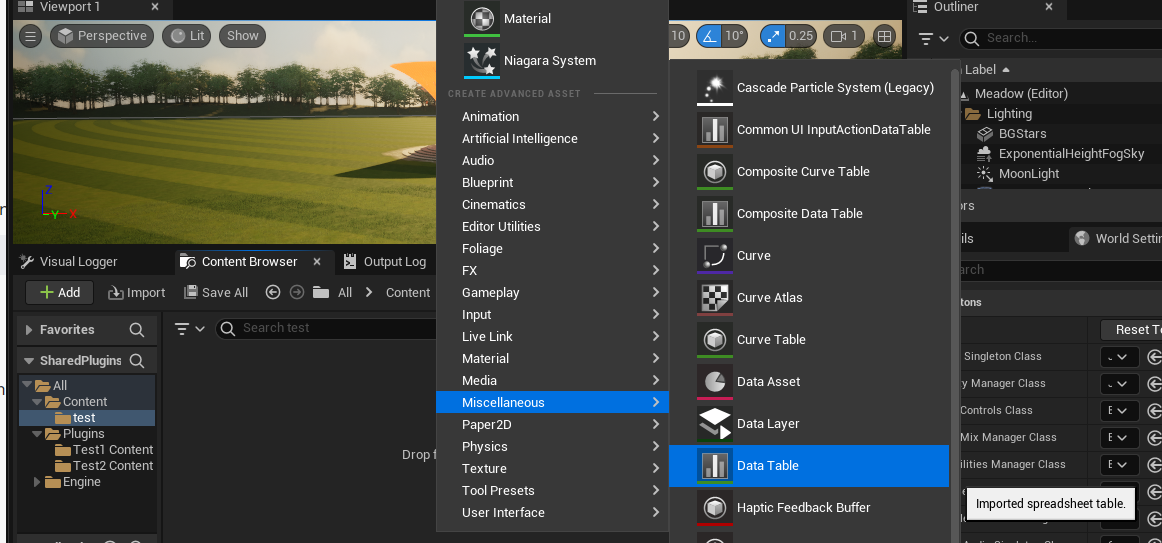
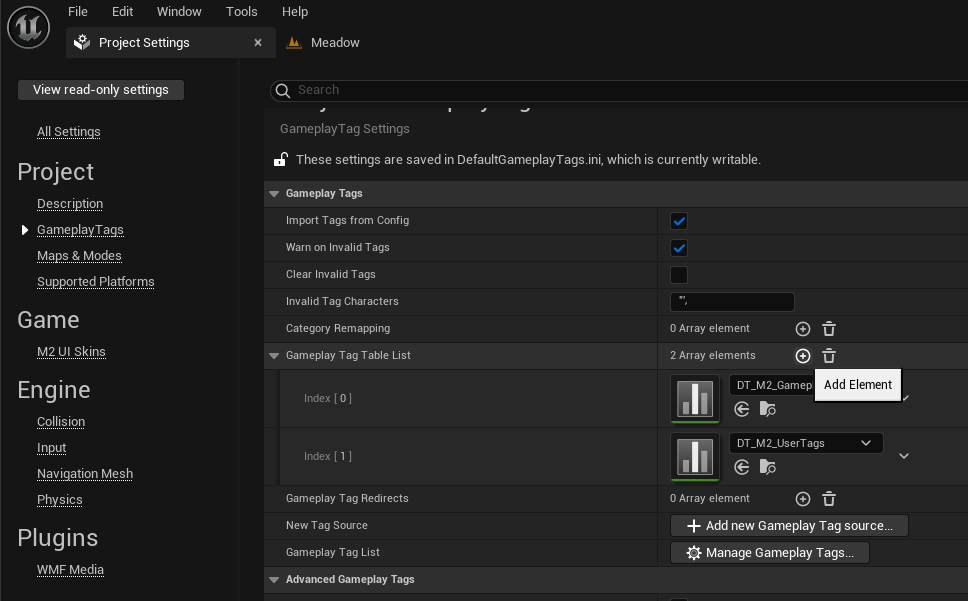
Adding gameplay tags can be done using a Data Table and the Project Settings.
1. Create a new Data Table to store your gameplay tags.
2. Add the Data Table to the Gameplay Tags section of the Project Settings.
You can now add any gameplay tags you would like into your data table.